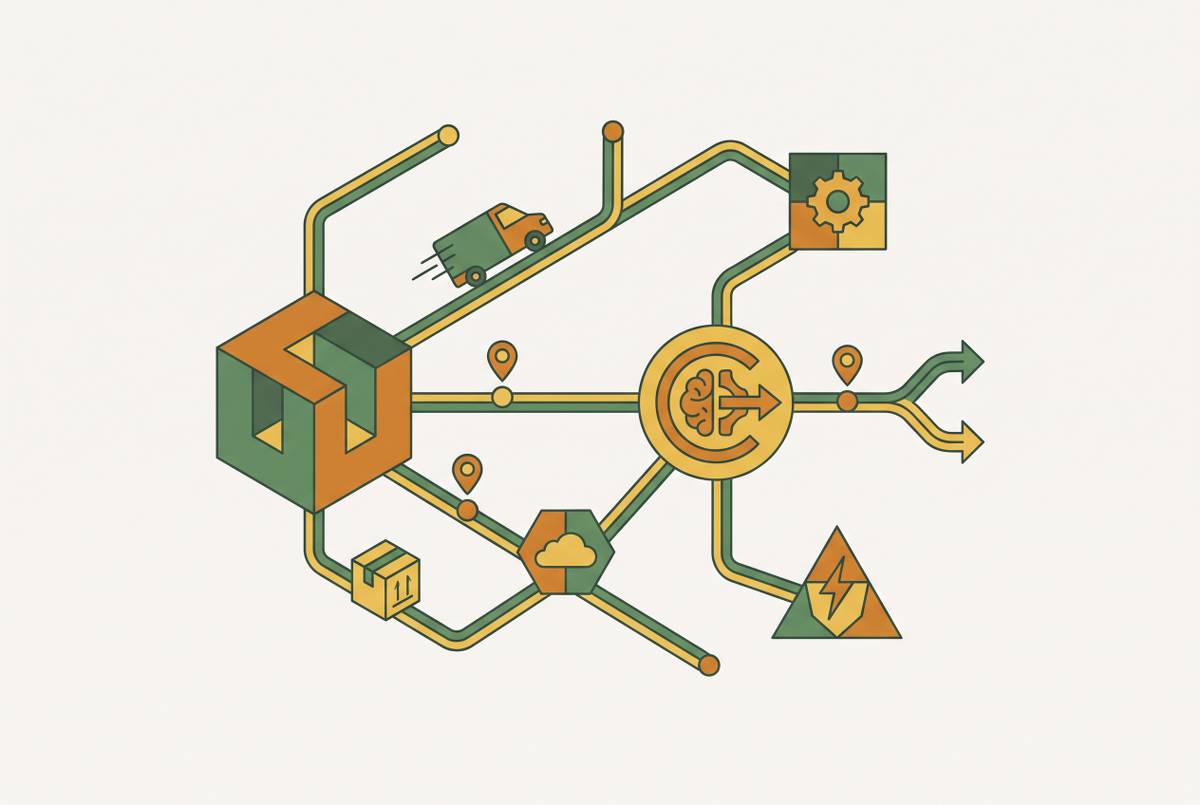
AI Tools for Construction RFI and Submittal Workflow Management
AI automates routing, reminders, and compliance checks that consume project manager hours.
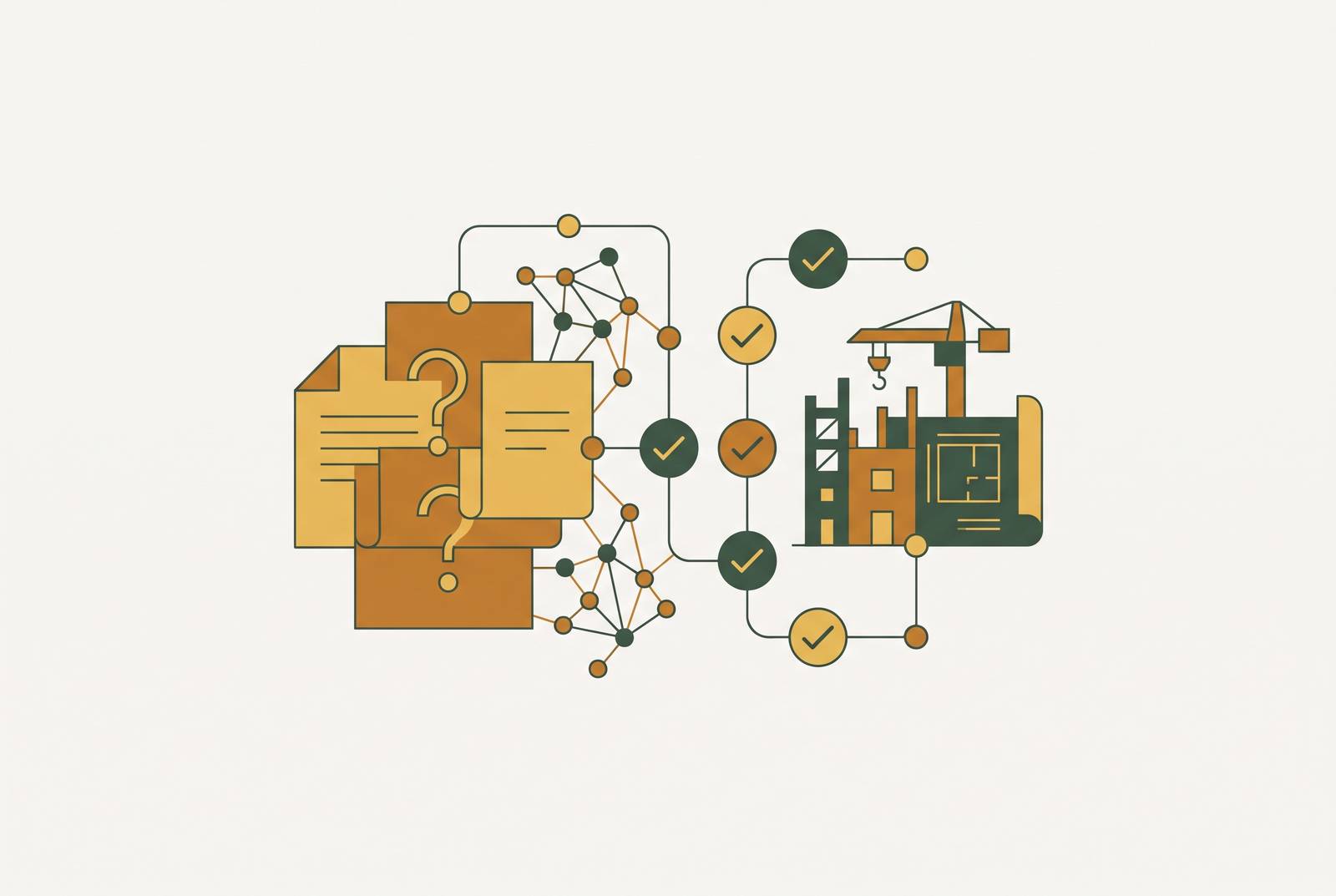
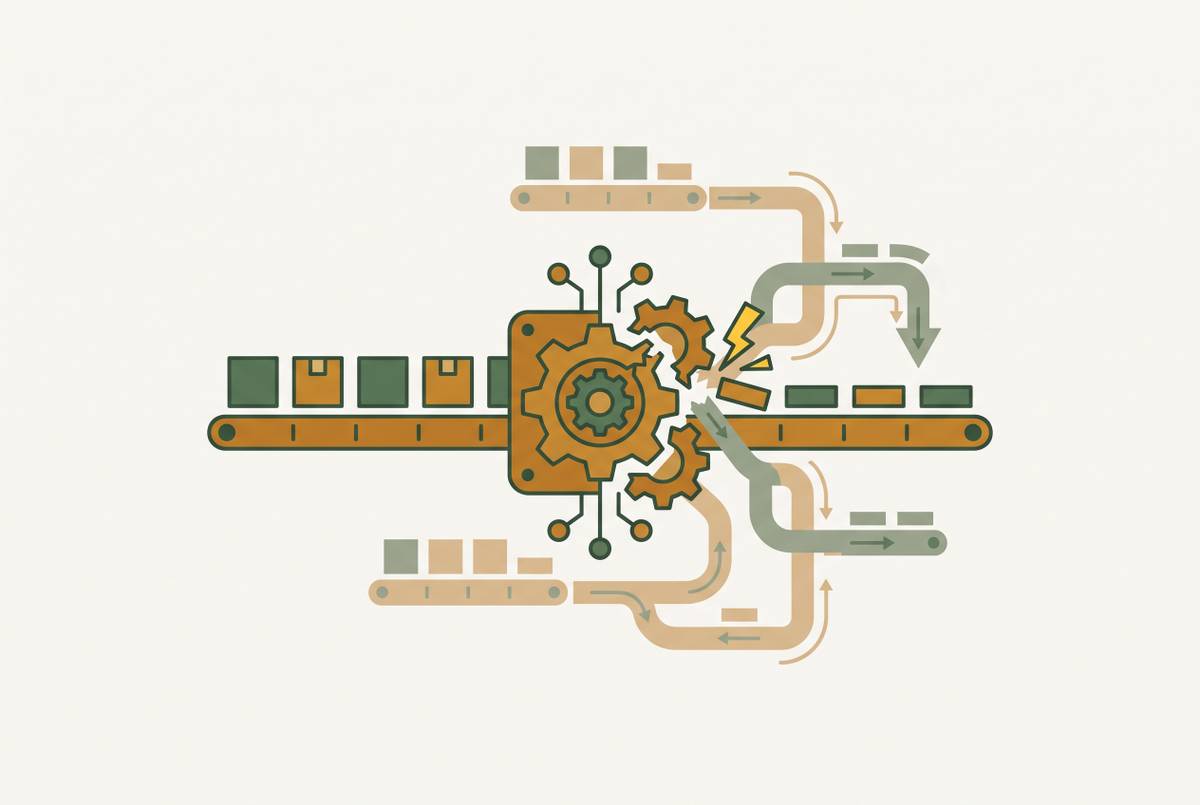
AI tools for construction RFI and submittal workflow management are most useful when they execute coordination work. They help by catching errors before routing, chasing overdue responses, and keeping reviews moving. The deployment boundary is equally clear. AI can advance a defined process and surface evidence, while people retain responsibility for interpretation and consequential decisions.
Why RFI and submittal workflows still break even when teams use modern platforms
A project engineer’s typical week includes finding the current document version, deciding who should answer an RFI, reminding that person, and reconciling the response with the project record. A coordinator performs similar work for submittals, checking package completeness and following approvals through the review chain. These tasks recur even on disciplined project teams. The software records where the work stands, but people remain responsible for moving it forward.
That division explains why modern construction management platforms do not, by themselves, resolve coordination delays. The category-level limitation is structural. A well-configured record can show an outstanding RFI without resolving manual triage, misdirected routing, or absent escalation. The average RFI takes 9.7 days to get a response, and a project has roughly 9.9 RFIs per million dollars of construction value. Together, those conditions create a substantial open queue that someone must continually manage.
Some RFIs receive no reply at all, leaving field teams working from assumptions that produce rework. Blaming unresponsive architects or engineers misses the coordination friction that precedes a response. Submittal management has the same underlying gap. A log tracks status, but tracking alone does not identify a compliance gap before a package reaches the design team. Nor does it alert procurement when a long-lead item’s review risks becoming a schedule constraint.
Where the manual coordination burden actually accumulates across a project team
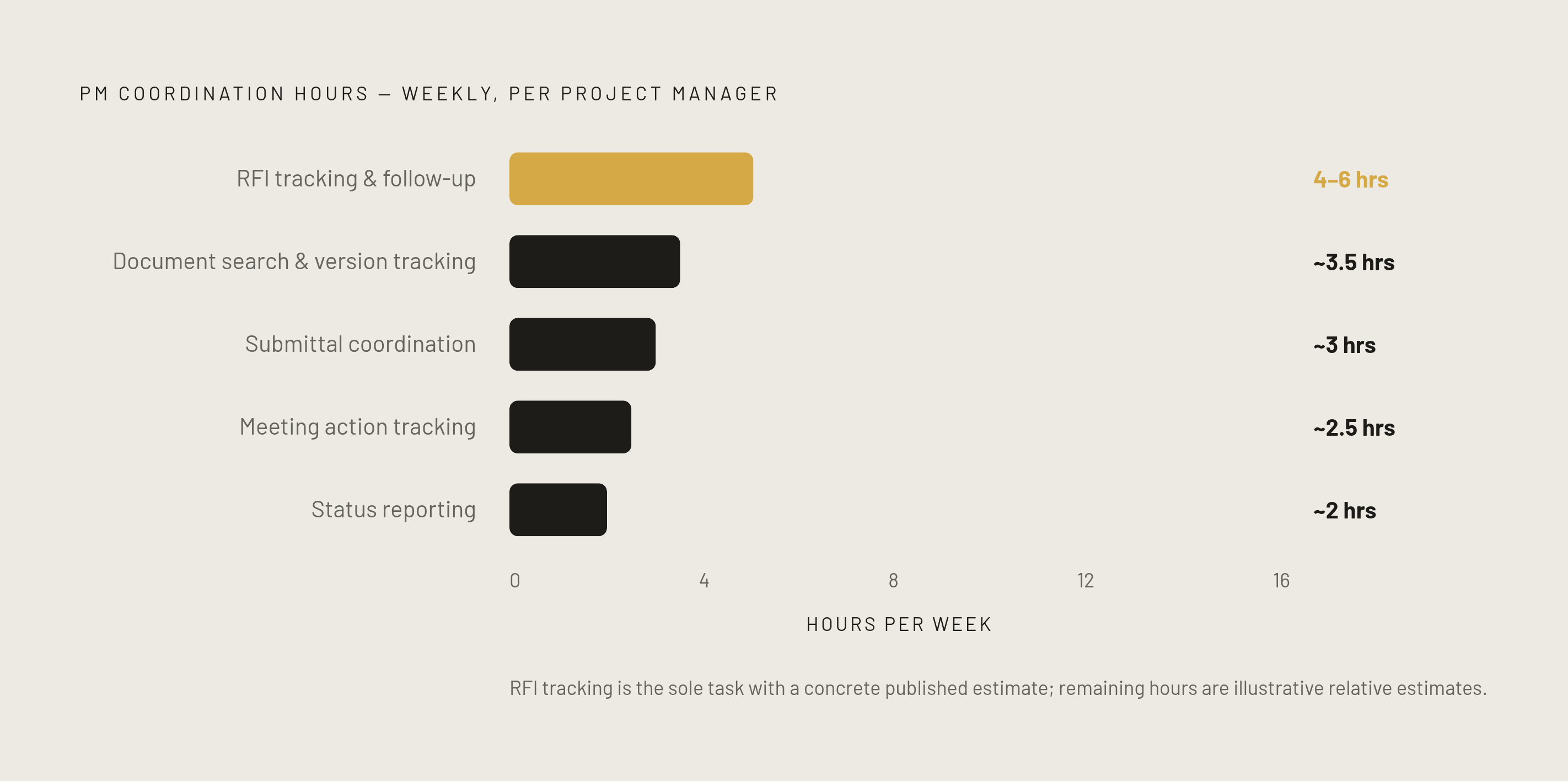
The administrative burden concentrates in a small number of repeating tasks. Document search and version tracking establish what information is current. RFI tracking, submittal coordination, meeting action tracking, and status reporting then help people pass that information to each other. Together, these activities account for the majority of a project manager’s non-field hours each week.
RFI tracking and follow-up alone take 4 to 6 hours per week per project manager. Those hours represent coordination. A reminder may require no professional judgment, yet an experienced person must notice that it is needed and send it. Project engineers and senior coordinators consequently spend a material portion of their week routing, reminding, and reconciling instead of making decisions that require their expertise. The cost is therefore not just time, but which people supply it.
This concentration provides a baseline for evaluating AI claims. Faster access to documents cuts the time spent searching, while automated follow-up takes care of another task the same team has to do over and over. Catching an ambiguity before it becomes a formal RFI can be more valuable than accelerating its later processing.
The three things AI can now actually execute in RFI and submittal workflows
AI already does three kinds of work in production: document intelligence and extraction, smart routing and prioritization, and compliance checking against specifications. These functions address different points of friction. Extraction reduces the effort required to find relevant information, routing advances the next step, and comparison exposes technical gaps before formal review. Their shared purpose is to complete work that a stored record leaves to a person. That distinction separates execution from a more capable filing system.
Document intelligence ingests RFI documents, contracts, and specifications, then surfaces relevant information on demand. Instead of searching through a thick spec book, a coordinator can receive an answer with a source link in seconds. Construction-focused tools use specifications, contracts, drawings, and historical project records to produce outputs suited to project work. The source link is central to their usefulness. It gives the reader a way to inspect the basis of an answer rather than treating fluent text as sufficient evidence.
Smart routing sorts, categorizes, and prioritizes incoming RFIs by urgency, project phase, and subject. It also triggers reminders and escalation rules when response windows expire. The system takes the next defined action. An agent can extend that execution across several steps, finding an RFI, drafting a response, routing it for review, and updating the record after approval. Unlike a chatbot or reporting dashboard, this mechanism does not leave every transition waiting for a coordinator to notice it.
Compliance checking cross-references submitted materials against project specifications and building codes. An air handling unit submittal, for example, can have dozens of technical characteristics that each need to be checked. AI extracts and compares those characteristics before the package reaches the design team, which helps cut down on back-and-forth review cycles. A pass/fail flag alone is insufficient. The useful output identifies the failed characteristic, the relevant spec section, and links to both source documents. In 2026, more mature construction-specific models and improved platform integration make these functions usable without rebuilding the workflow stack.
What the leading tools in this space actually do, and where each one fits
No single platform covers all three functions well. The tools with real adoption tend to address a defined part of the workflow and provide outputs reviewers can trace to source documents. For teams already operating inside Procore, the RFI Agent addresses RFI preparation by pulling from drawings and project data to draft a complete, pre-populated RFI validated against existing project data. Its fit is execution within the existing workflow stack. That work differs from technical submittal checking, though both cut the work needed to prepare for review.
Autodesk Forma, formerly Autodesk Construction Cloud, addresses upstream review through its Submittals Evaluation Agent, which is currently in beta. The agent compares a submittal item with the matching project specification section and flags possible problems and missing information before formal review. Autodesk Assistant in Forma is built to analyze project information inside the construction platform so teams can keep their data where it is. The fit is an existing ACC document environment. Its beta status distinguishes this particular offering from the broader availability of AI compliance-checking functions.
BuildSync focuses on technical submittal review and generation at the level of individual characteristics. It extracts dimensions, ratings, certifications, and warranty terms, then checks each separately against the specification with a pass, fail, or unknown status and a stated reason. Each determination links to the exact page in the original submittal and the exact spec section. Reviewers can inspect the underlying evidence directly. This makes it a good fit for general contractors and MEP subcontractors on commercial projects that need both to check technical requirements and to track packages.
BuildSync also operates as an actor inside existing Procore submittal workflows. It integrates with Trimble and Autodesk Construction Cloud, with two-way sync applying to the latter integration. These connections let teams use its technical analysis where they already work, without having to make moving documents the goal of deployment. Pricing requires a custom quote, with no published rates. Teams can compare it with other tools by how closely it checks each characteristic and how well it fits their workflow, though they have no public subscription price to compare.
Bluebeam Max provides an AI layer within the Revu document environment. Its fit is teams whose review process is anchored in Revu and who want AI-assisted analysis without switching environments. Civils.ai addresses a different need through natural-language search across project archives, including specifications, RFIs, drawings, and contracts, returning answers with source links. It fits document intelligence and extraction. Faster retrieval is its relevant contribution to coordination work.
For technical analysis tools, the evaluation test is specific. Can the tool show the exact source it checked against, and can it identify the individual characteristic that failed? Both are necessary for a reviewer to verify the analysis. A tool that supplies neither still leaves that analytical work to the person using it. This test applies to compliance claims, while search and drafting tools should be judged against the different tasks they are intended to execute.
Where AI execution ends and human judgment begins in these workflows
AI can perform coordination and comparison without assuming professional authority. It may draft an RFI, extract submittal characteristics, flag a compliance gap, or escalate an overdue response. It should not approve a design interpretation, conclude a contract dispute, produce unverified quantities, or set safety procedures. Those decisions require interpretation, accountability, or context outside the documents. The boundary is not whether AI can generate an answer, but whether that answer is an appropriate basis for consequential action.
The system’s value lies in identifying what deserves attention and showing the evidence behind that finding. The reviewer still decides what to do about it. Traceability supports that division of responsibility because it makes the comparison inspectable rather than asking a professional to accept an unexplained conclusion. A useful deployment reduces the effort of reaching the decision without obscuring who is responsible for it.
Removing administrative work also changes how junior engineers learn. Searching a spec book for RFI answers exposes them to requirements and develops pattern recognition, even when the search itself is inefficient. AI can reduce that exposure by surfacing the answer immediately. Firms that use these tools need to plan how junior engineers will learn through structured reviews, simulations, clear standards, and time spent learning from actual project failures. Firms should keep track of how the time saved affects the way they train future leaders.
A capable tool can still add friction when imposed on a broken process, because execution depends on a workable sequence of responsibilities and decisions. Initial executive enthusiasm does not resolve that dependency. Tools that visibly relieve a specific pain in daily work give practitioners a concrete reason to use them. Deployment readiness therefore begins with the process a team actually follows.
How to identify which RFI or submittal process is actually ready for AI deployment
The gap between Level 2, digital record-keeping, and Level 4, AI-assisted operations, is primarily a process standardization gap. A team that cannot describe how an RFI moves from identification to response is not ready for an agent to manage that movement. The agent needs a process to execute. Writing down who does what and how work passes between people gives automation a steady process to follow, while leaving the workflow undefined asks the system to make up how the work should run.
Practical deployment starts with the single most painful, repeating coordination task that consumes the most hours from experienced people. Readiness depends on that task being documented well enough for a new hire to follow it. If it is, it is a candidate for AI execution. For a task needing further documentation, a process audit should show how the work runs today and where it hurts before deployment and before the team decides what to rebuild first.
A deployment-ready process has three specific controls. It has a measurable baseline, such as hours per week, days to response, or error rate, so improvement can be assessed against existing performance. It has a defined escalation rule for missed deadlines and a human review point before consequential action. These controls make the execution boundary explicit. For first deployments, tools that operate inside existing platforms should be preferred because they reduce adoption friction. A first AI-first process should be live in weeks, while a timeline stretching to quarters indicates the wrong process or approach.
Starting with long-lead submittal processing often has the greatest payoff. Custom window systems, electrical transformers, and elevators need to be reviewed early so they do not hold up the schedule. Their reviews also depend on the detailed compliance comparison that AI performs well and that takes time when done manually. This is a specific process with a felt operational cost. It puts AI to work where faster, traceable checking can help approvals advance while preserving the reviewer’s authority.